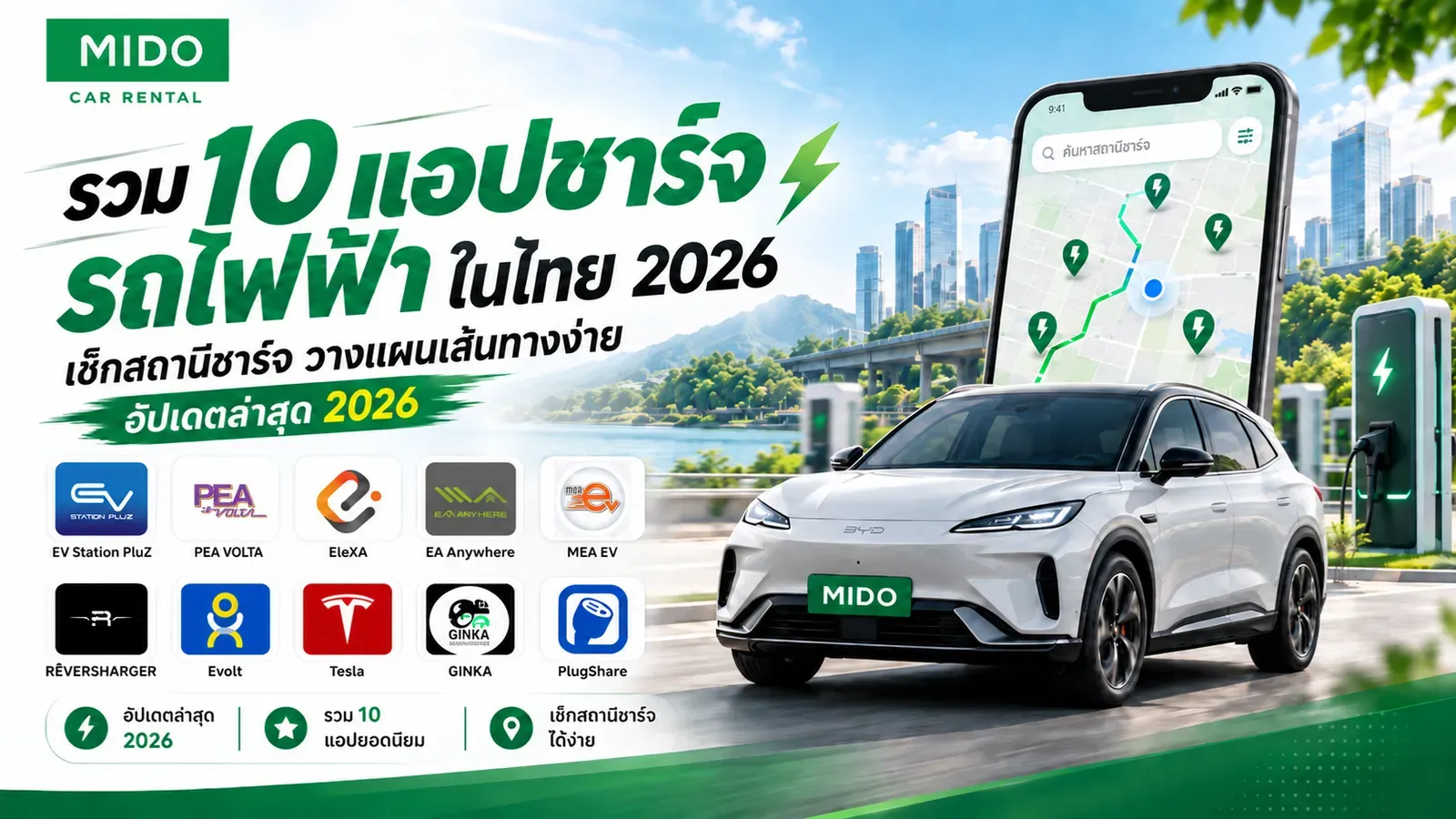
Top 10 EV Charging Apps in Thailand - Check Charging Stations, Plan Routes Easily, Latest Updates 2026
Nattamon KhonngamPublished on: October 2, 202617 min read60 views
Traveling by electric vehicle (EV) in Thailand in 2569 has become more convenient and accessible than ever before. Whether it's driving in daily life or taking long-distance trips, however, as a true EV user, there is one thing we must always keep in mind: "planning charging stations" especially when we need to travel across provinces or on unfamiliar routes. Having an electric car charging app on your smartphone is like having a personal assistant who tells you coordinates, checks charger status, and helps us calculate routes accurately.
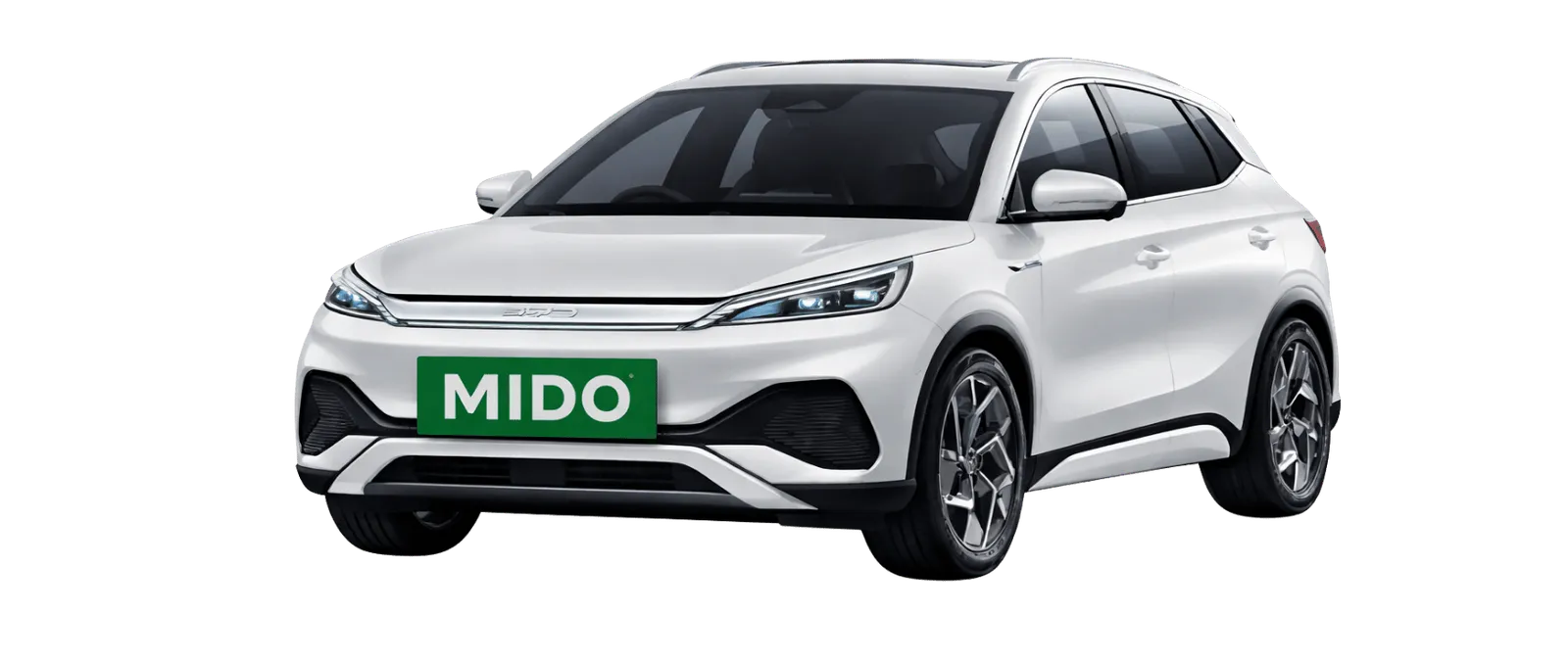
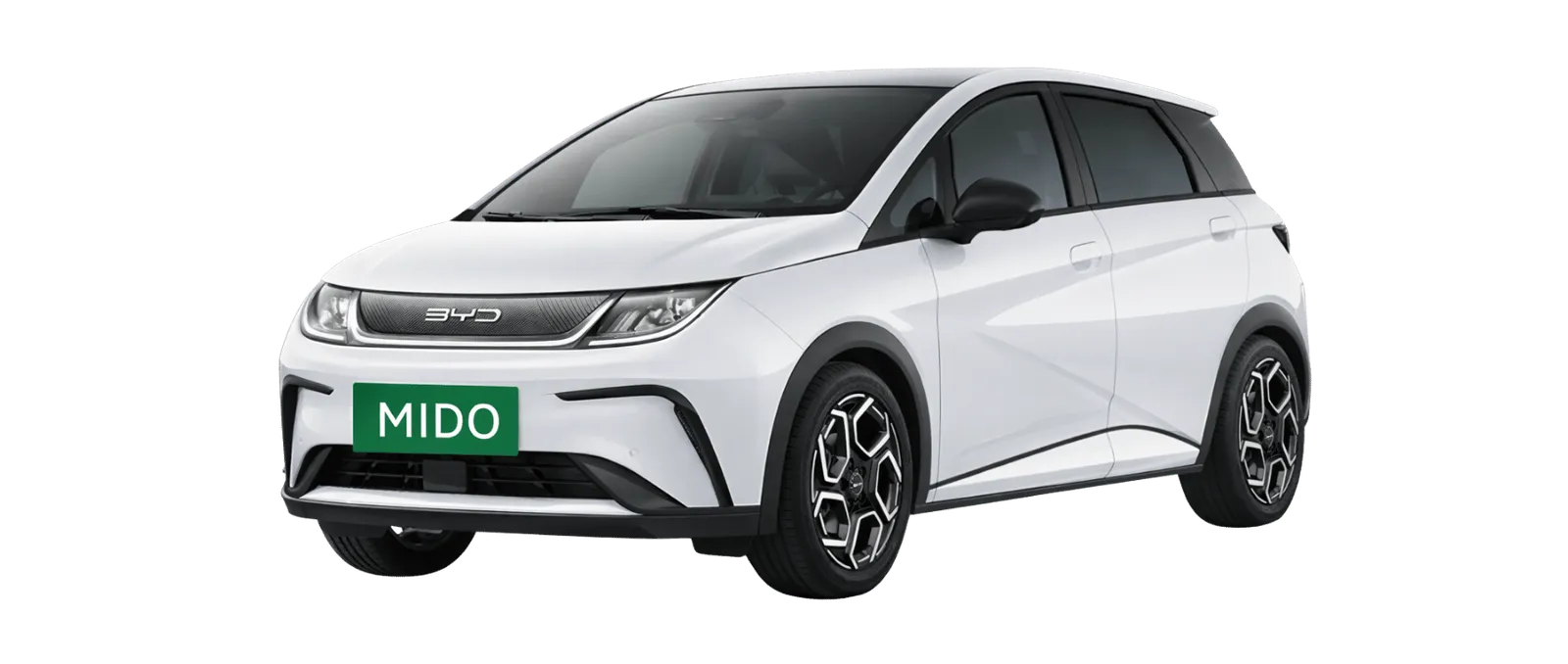
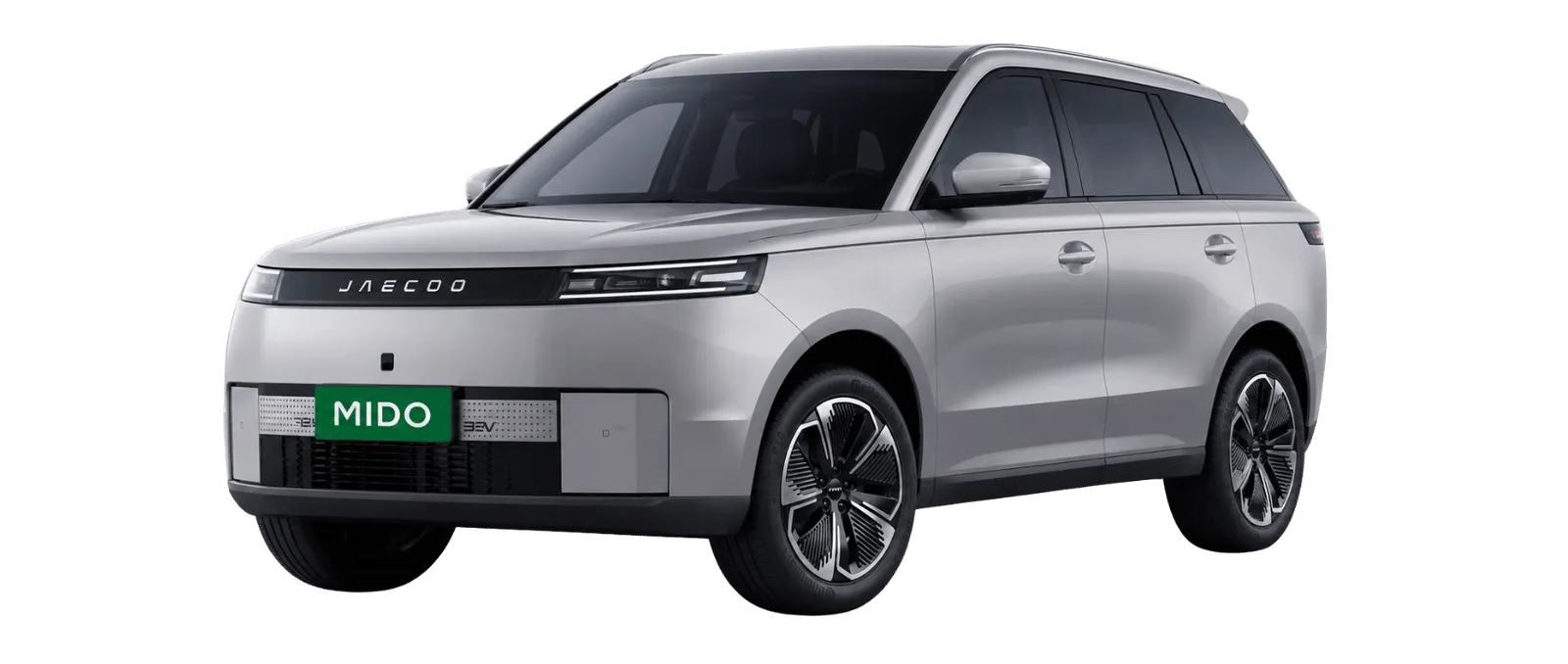
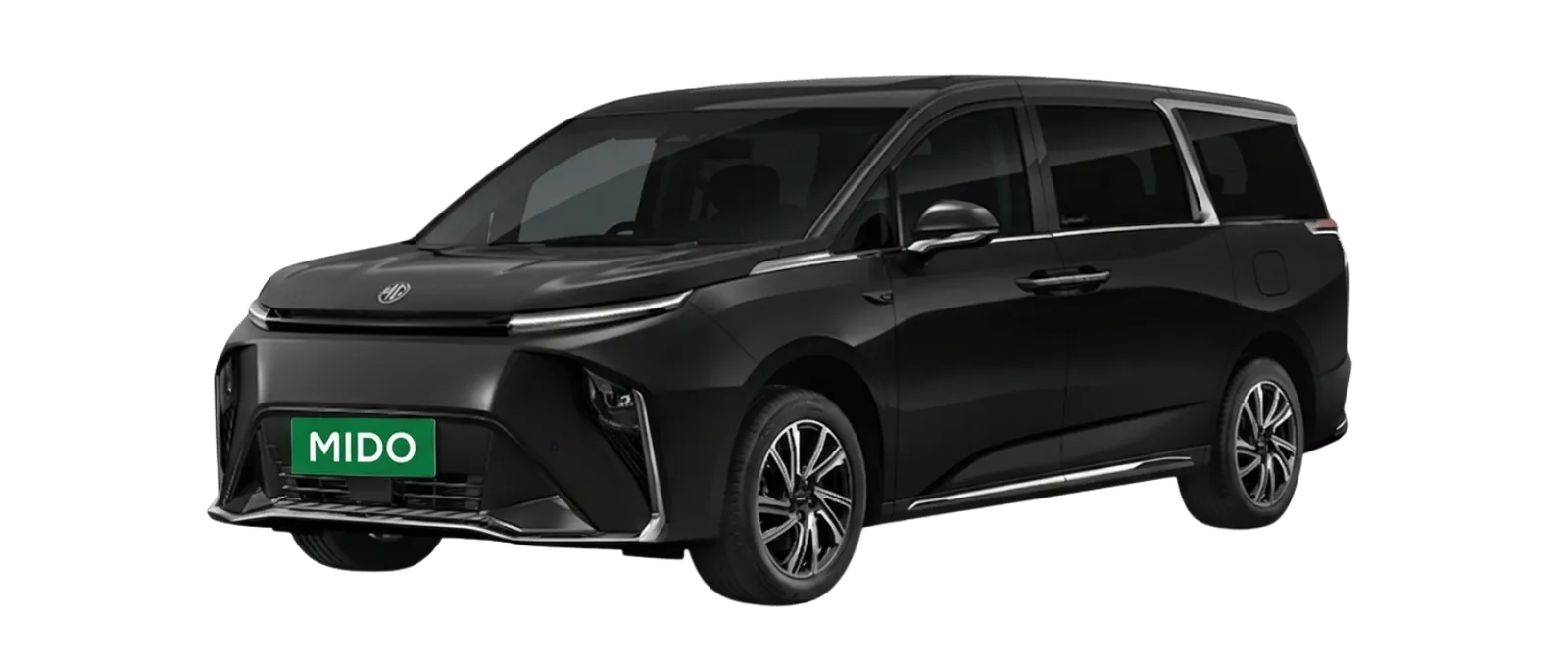
Current charging station search apps have come a long way. They not only provide coordinates but also allow you to reserve charging heads in advance, make payments, and see if anyone is currently using them. For those who are using private EV cars, or even those interested in wanting to try renting an EV car to drive around and experience new things (you can follow along to read reviews of 15 EV car models worth using in 2569 to help with your decision), familiarizing yourself with these apps will make your journey smooth and worry-free about running out of battery in the middle of nowhere.
Why EV users should have a charging station finder app on their phone
Many people may wonder why we can't just use the navigation system in the car alone. Why do we need to download an electric car charging station finder app on our phone as well? The main reasons are as follows:
Find charging stations near you accurately: Applications are designed to constantly update new charging station locations, including stations hidden in gas stations, shopping malls, or hotels.
Check real-time status (Real-time Status): This is the most important feature. You can see immediately whether the charging head at that station is "available," "in use," or "out of service/broken," saving you from wasting a trip.
Check charger type and power capacity: Different EV models support different power capacities and charging types. The app will clearly tell you whether the station has AC or DC chargers (CCS2, CHAdeMO) and the maximum power capacity in kilowatts (kW).
Reserve a spot in advance: Some applications allow you to reserve a charging head 15-30 minutes in advance, giving you peace of mind that when you drive there, there will definitely be a charging spot waiting for you.
Make payments and view usage history: You can link your credit card, top up money into a Wallet, or scan a QR code to pay for charging through the app, complete with a summary of expenses.
A total of 10 electric car charging apps in Thailand, updated 2569
To make your charging station search as easy as possible, we have compiled 10 EV charging apps that cover areas throughout Thailand, along with website links for downloading and using. The latest information updated for 2569, let's see what features each app has:
1. EV Station PluZ
App name: EV Station PluZ
Service provider: PTT Oil and Retail Trading Company Limited (Public) or OR
Highlights: Has many branches, especially at PTT stations throughout the country, making it convenient when driving long distances. Stop to use the bathroom, buy coffee, and charge your car all in one place.
Can you search for charging stations: Yes
Can you reserve a charging head: Yes (up to 20 minutes in advance)
Can you start/pay for charging through the app: Yes (link credit/debit card)
Supported systems: iOS and Android
Suitable for what type of users: People who like to travel across provinces, take road trips, or those who like to stop at PTT stations regularly.
Service areas in summary: Throughout the country (covering main and secondary roads)
Things to know before using: You should arrive before the reservation time expires, because if you're late, the system will automatically cancel your reservation.
Official website: evstationpluz.pttor.com/

2. PEA VOLTA
App name: PEA VOLTA
Service provider: Provincial Electricity Authority (PEA)
Highlights: The strongest charging station network at the provincial and inter-provincial level, usually located at Provincial Electricity Authority offices, Bangchak gas stations, and important locations in each province.
Can you search for charging stations: Yes
Can you reserve a charging head: Currently focuses on Walk-in system and queue entry through charger status checking in front of the device (you should verify the reservation feature in the app again).
Can you start/pay for charging through the app: Yes (top up money into Wallet in the app)
Supported systems: iOS and Android
Suitable for what type of users: Those who travel to other provinces frequently or live in provincial areas.
Service areas in summary: 74 provinces throughout Thailand (except Bangkok, Nonthaburi, Samut Prakan, which are in MEA's area)
Things to know before using: You must top up money into a Wallet before charging. You should check that you have enough balance before traveling.
Official website: peavolta.pea.co.th/

3. EleXA
App name: EleXA
Service provider: Electricity Generating Authority of Thailand (EGAT)
Highlights: The app interface is easy to use and stable. It has an EleXA Point accumulation system. Charging stations are located at EGAT dams, hospitals, golf courses, and PT gas stations.
Can you search for charging stations: Yes (with Trip Planner route recommendation feature as well)
Can you reserve a charging head: Yes
Can you start/pay for charging through the app: Yes (link credit card)
Supported systems: iOS and Android
Suitable for what type of users: General users, both in the city and other provinces who prioritize smooth app experience.
Service areas in summary: Throughout the country
Things to know before using: You can use accumulated points to exchange for charging fee discounts or products on partner lists.
Official website: elexaev.com/
4. EA Anywhere
App name: EA Anywhere
Service provider: Energy Absolute Public Company Limited or EA
Highlights: One of the pioneers in the Thai charging station market, with a fairly large number of chargers (especially AC) located in office buildings, shopping malls, condominiums, as well as DC chargers at Caltex gas stations.
Can you search for charging stations: Yes
Can you reserve a charging head: Yes (15 minutes in advance)
Can you start/pay for charging through the app: Yes (link credit/debit card)
Supported systems: iOS and Android
Suitable for what type of users: Office workers in Bangkok who want to charge during the day or those who go shopping at malls.
Service areas in summary: Emphasis on Bangkok, surrounding areas, and major cities.
Things to know before using: Most stations in buildings or malls are AC charging systems which take longer to charge, suitable for parking for several hours.
Official website: eaanywhere.com/

5. MEA EV
App name: MEA EV
Service provider: Metropolitan Electricity Authority (MEA)
Highlights: Designed specifically for Bangkok residents. Charging stations are usually located at MEA offices, public parks, and government facilities in Bangkok.
Can you search for charging stations: Yes (including sharing coordinates of allied network stations)
Can you reserve a charging head: Yes
Can you start/pay for charging through the app: Yes (top up in Wallet or link card)
Supported systems: iOS and Android
Suitable for what type of users: People using EV cars in Bangkok, Nonthaburi, and Samut Prakan areas.
Service areas in summary: Bangkok, Nonthaburi, and Samut Prakan
Things to know before using: In addition to charging, the app has features for calculating electricity costs and displays routes linked with traffic data.
Official website: mea.or.th/

6. RÊVERSHARGER (formerly known as SHARGE)
App name: RÊVERSHARGER
Service provider: RÊVERSHARGER
Highlights: Has a large number of high-power charging stations (High Power), supporting newer car models that can receive high power output. Covers car dealers, major shopping malls, and lifestyle venues.
Can you search for charging stations: Yes
Can you reserve a charging head: Yes
Can you start/pay for charging through the app: Yes
Supported systems: iOS and Android
Suitable for what type of users: BYD car users (with special privileges) and those looking for high-speed DC charging units.
Service areas in summary: Throughout the country
Things to know before using: If you use a BYD car, there may be special promotions or special pricing for charging. You should verify in the app again.
Official website: reversharger.com/

7. Evolt
App name: Evolt
Service provider: Evolt Technology Company Limited
Highlights: Focuses on lifestyle venues such as cafes, restaurants, hotels, and condominiums. Has a 24-hour customer service support system.
Can you search for charging stations: Yes
Can you reserve a charging head: Yes
Can you start/pay for charging through the app: Yes
Supported systems: iOS and Android
Suitable for what type of users: People who like to go to cafes or stay at hotels and want to park their car for charging.
Service areas in summary: Bangkok, major cities, and tourist attractions
Things to know before using: Most chargers will be AC type, but at main parking spots, there will also be DC chargers available.
Official website: evolt.co.th/

8. Tesla
App Name: Tesla
Service Provider: Tesla
Highlights: It is the most complete Ecosystem for Tesla car users. Supercharger stations charge very quickly. You don't need to tap the app to start charging (just plug in the cable and the system works automatically)
Can you search for charging stations: Yes (displayed in the car and in the app)
Can you reserve a charging port: No, but you can view the number of available ports in real-time with great accuracy
Can you start/pay for charging through the app: It's a Plug & Charge system that automatically deducts payment through the card linked in the app
Supported Systems: iOS and Android
Suitable for which users: Tesla car owners and currently some stations are open for other brands (Non-Tesla) to charge
Service Area Summary: According to major department stores and main highway rest areas throughout the country
Things to Know Before Using: If the car is fully charged but you don't remove it, there will be a fairly high Idle Fee charge
Official Website: tesla.com/th_th/supercharger

9. GINKA Charge Point
App Name: GINKA (or search via GINKA Website/Line)
Service Provider: Fort Smart Service Co., Ltd. (Public) (creator of Boonterm ATMs)
Highlights: Concept "Easy charging, no app needed." You can walk to the station, plug in the cable, and pay through the touchscreen or scan a QR code to pay immediately. However, the app/website is used to find locations.
Can you search for charging stations: Yes
Can you reserve a charging port: No, emphasizes Walk-in
Can you start/pay for charging through the app: Scan and pay through a bank app or credit card at the station itself
Supported Systems: Web/Line/App
Suitable for which users: People who don't like downloading many applications or tourists using daily car rental services and don't want to sign up for multiple apps to avoid hassle
Service Area Summary: Condominiums, hospitals, and public parking areas
Things to Know Before Using: Focuses mainly on AC charging stations, suitable for parking the car for a long time
Official Website: ginkachargepoint.com/

10. PlugShare
App Name: PlugShare
Service Provider: Recargo, Inc. (global application)
Highlights: It's a Community or Crowd-sourced style app that collects charging stations from "every brand" and "every service provider" into one map. Users can review, take photos, and report the status of broken stations.
Can you search for charging stations: Yes (best for comprehensive search)
Can you reserve a charging port: No
Can you start/pay for charging through the app: No (search only)
Supported Systems: iOS and Android
Suitable for which users: All EV car users, especially beginners who just received a car or are planning a long-distance drive
Service Area Summary: Worldwide (including every corner of Thailand)
Things to Know Before Using: Some information comes from users themselves, so it should be used together with the main app of that station to verify real-time status again
Official Website: plugshare.com/
EV Charging App Comparison Table (Updated 2569)
App | Search Station | Reserve Station | View Charging Port Status | Pay Through App | iOS | Android | Suitable For |
EV Station PluZ | ✓ | ✓ | ✓ | ✓ | ✓ | ✓ | Long-distance drivers, people who like stopping at PTT gas stations |
PEA VOLTA | ✓ | ✗* | ✓ | ✓ | ✓ | ✓ | Drivers traveling to other provinces, regional areas |
EleXA | ✓ | ✓ | ✓ | ✓ | ✓ | ✓ | People who like easy-to-use apps, charging at EGAT points |
EA Anywhere | ✓ | ✓ | ✓ | ✓ | ✓ | ✓ | City dwellers, Bangkok office workers |
MEA EV | ✓ | ✓ | ✓ | ✓ | ✓ | ✓ | Car users in Bangkok, Nonthaburi, Samut Prakan areas |
RÊVERSHARGER | ✓ | ✓ | ✓ | ✓ | ✓ | ✓ | Wanting fast charging (DC), Chinese brand car users |
Evolt | ✓ | ✓ | ✓ | ✓ | ✓ | ✓ | Cafe enthusiasts, hotels, residential areas |
Tesla | ✓ | ✗ | ✓ | ✓ | ✓ | ✓ | Tesla car users and other brands (some locations) |
GINKA | ✓ | ✗ | ✓ | Pay at station | ✓ | ✓ | People who don't want to download many apps, emphasis on scan payment |
PlugShare | ✓ | ✗ | ✗ | ✗ | ✓ | ✓ | Everyone (use to search across all brands) |
(Note: Some information may change as each application is updated. You should verify in the app again.)
How to Choose an EV Charging App That Suits Your Trip
With so many application options available, many people may not want to download and store all of them. We recommend a way to choose to use charging station search apps that match your lifestyle and circumstances:
Case for driving in Bangkok and surrounding areas: Apps that should be installed are MEA EV, EA Anywhere, and Evolt because there are many charging points in office buildings and shopping malls. Suppose on a day off you plan to drive around to visit 40 Bangkok attractions, you can park and charge the car with AC power while walking through malls or visiting museums with peace of mind.
Case for traveling to other provinces: Indispensable are PEA VOLTA and EV Station PluZ because these stations are distributed along gas stations and provincial electrical authority offices, making it easy to find charging points during the trip.
Case for long-distance travel / Road Trip: If you need to drive north to south, or take a road trip to enjoy nature such as organizing a trip to 20 Khao Yai attractions, we recommend using EleXA together with EV Station PluZ and use PlugShare to map out which stations are available along the route to plan stopping points.
Case for renting an EV: If you are not a car owner but use MIDO Car Rental to rent an EV, we recommend asking the rental service provider if they provide an emergency charging cable. Download PlugShare as your main app to find nearby stations, along with apps for stations you find most convenient to stop at, such as PTT or GINKA payment station touchscreens.
Want fast charging (Fast Charge): Look for stations marked as DC Fast Charge in the RÊVERSHARGER, EV Station PluZ, or EleXA apps, which typically deliver 50kW to 120kW+, allowing you to charge from 20% to 80% in less than an hour.
Want to view charging port status in real-time: You should use the official app of that station directly (for example, check in the PEA VOLTA app whether the port at this station is available), rather than relying on a third-party app to view the status, because information may be delayed.
What to Check Before Traveling with an EV
Driving an EV is not just pressing the Start button and driving off like a gasoline car. Preparation is key. Here's a Checklist that EV users should check before going on a trip:
✓ Distance to travel: Calculate the distance from start to destination.
✓ Vehicle range per charge: What is your EV's driving range per charge, and after accounting for hot weather/air conditioning/speeding, how many kilometers can it actually drive?
✓ Charging points along the way: Mark 1-2 rest charging points in the app (recommended to charge when battery is around 20-30%, don't let it drop below 10%)
✓ Type of charging port: Make sure the station you will stop at has a charging port that matches your car (most EVs in Thailand use CCS2 for DC and Type 2 for AC)
✓ Power of the charger: The higher the kW, the faster the charging.
✓ Charging port status: Check in the EV charging app if the station is operating normally and not under maintenance.
✓ Operating hours: Some stations in government offices or shopping malls are not open 24 hours.
✓ Payment method: Link your credit card or top up your wallet in the app before traveling because internet signal may not be stable in some areas.
✓ Backup charging points in case the main station is full: You should always have a backup. If the first station has a long queue or is broken, you can drive to the backup station right away while the battery is not depleted.
If you feel that driving across provinces and worrying about charging stations or making reservations is troublesome, another interesting option for 100% relaxation is to choose rental car with driver service, where a professional driver will handle route planning and vehicle charging management for you. You just need to sit back and relax peacefully.
Frequently Asked Questions About EV Charging Apps
Which app has the most comprehensive coverage for finding EV charging stations?
If you want an overview of all brands and all networks, the PlugShare app is recommended because it collects information from users worldwide. However, once you find your target station, you should use that brand's specific app (for example, if you find a PTT station, use EV Station PluZ) for booking and payment.
Do I need to download multiple apps?
We recommend downloading about 3-4 main apps on your phone: EV Station PluZ, PEA VOLTA, EleXA, and PlugShare. This is sufficient for traveling throughout Thailand.
Can EV charging apps show charging port status?
Yes, almost all apps can. The app will display icons showing status such as green (available), blue/navy (charging), gray/red (offline or broken), helping you decide whether to stop by.
Can different brand EVs use the same charging station?
Yes. As long as the type of charging port matches. Currently, most EVs in Thailand and public charging stations mainly use the CCS2 standard (for fast DC charging), allowing them to work across networks and car brands freely (except for certain exclusive stations that still have restricted access).
How should I prepare before driving an EV to another province?
The important thing is to update the EV charging app to the latest version, check the balance in your Wallet, and plan your main charging point with backup stations in advance. Avoid traveling during festivals when many EVs are traveling together, as this may cause long waiting queues at charging stations.
Conclusion
Using electric vehicles in Thailand in 2569 is considered easier and more convenient than in the past, thanks to the infrastructure that covers the entire country. Having an EV charging app on your phone is an important tool that will help eliminate range anxiety completely. Whether you are an EV owner or someone looking for a clean energy rental car, knowing how to use these applications will make every trip safer and more enjoyable.
If you are planning a trip, sightseeing, or business, and looking for a quality car rental service with a variety of vehicles including regular cars and electric vehicles (EV), please visit MIDO Car Rental. We have many models and styles of cars, all in excellent condition, with excellent service to make every trip perfect.
About the author

Nattamon Khonngam
Online Marketing
Bachelor of Business Administration, Kasetsart University (2014-2018)
Master’s Degree in Marketing and Management, Western University (Current)
Online Marketer, specializing in Content Marketing, SEO & Digital Marketing
Skilled in AI, Data Analytics, Content Strategy & Digital Marketing